Git Commands Cheat Sheet: The Essentials for Beginners
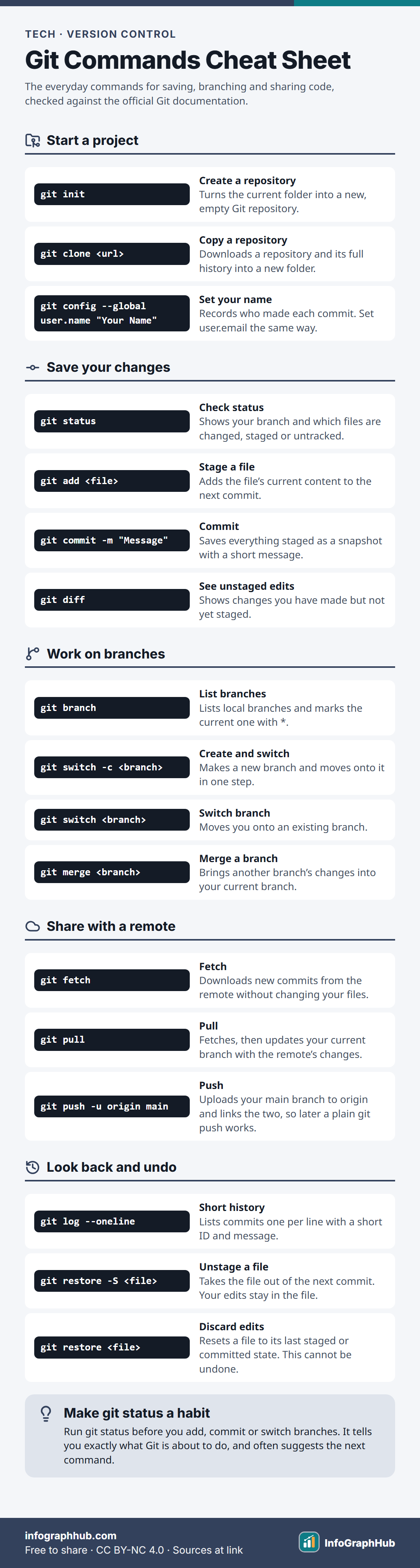
The Git commands beginners use most: set up a repository with init or clone, save work with add and commit, build features on branches with switch and merge, share work with fetch, pull and push, and undo safely with restore.

What Git does
Git is a version control system: it records snapshots of your project so you can see what changed, when and by whom, and go back if something breaks. Instead of keeping files named essay_final_v2.docx, you keep one folder and let Git remember every saved version.
Git thinks about your work in three places:
- the working tree, the files you are editing now;
- the staging area (also called the index), where you collect the changes for your next snapshot;
- the repository, where each snapshot, called a commit, is stored for good.
Starting and saving
Run git init inside a folder to start a new repository, or git clone <url> to copy an existing one, including its full history. On a new computer, set your name and email once with git config --global, because every commit records who made it.
The everyday loop is status → add → commit. git status shows which files are changed, staged or untracked. git add stages the exact content you want in the next commit; the Pro Git book suggests thinking of it as “add precisely this content to the next commit”. git commit -m "Message" then saves the snapshot. Use git diff to see edits you have not staged yet.
Working on branches
A branch is a separate line of work. You can try a new feature on its own branch without touching the working version.
git switch -c <branch> creates a branch and moves you onto it, and git switch <branch> moves between existing branches. When the work is ready, switch back to your main branch and run git merge <branch> to bring the changes in. The switch and restore commands arrived in Git 2.23; older tutorials use git checkout for the same jobs, and it still works.
Sharing with a remote
A remote is a copy of the repository on a server such as GitHub or GitLab. When you clone, Git names that remote origin by default.
git fetchdownloads new commits from the remote but leaves your files and branches alone.git pullruns a fetch and then updates your current branch. In current versions of Git it only fast-forwards by default: if you and the remote both have new commits, it stops and asks you to choose a merge or a rebase.git pushuploads your commits. Adding-uthe first time links your branch to the remote one, so later you can type justgit pushorgit pull.
Worked example: a hackathon in Bengaluru
Ananya and Farhan are building a website for a college hackathon in Bengaluru. Ananya runs git init, writes index.html, then runs git add index.html and git commit -m "Add homepage". She pushes it to a new GitHub repository with git push -u origin main.
Farhan runs git clone with the repository’s URL, then git switch -c styling to work on the CSS without disturbing the homepage. When he is done, he pushes his branch, and after the team checks it, the styling branch is merged into main. Ananya runs git pull to get the finished design.
If Farhan stages a file by mistake, git restore --staged style.css (or the short form -S) takes it out of the next commit. Be careful with plain git restore <file>: it throws away unsaved edits for good.
Frequently asked questions
What is the difference between git fetch and git pull?
git fetch only downloads new commits from the remote and updates your remote-tracking branches, such as origin/main. git pull runs a fetch and then brings those changes into your current branch.
What does staging mean in Git?
Staging means choosing which changes go into your next commit. git add copies a file’s current content into the staging area, so you can commit some changes and leave others for later.
Should I use git switch or git checkout?
Both work. git switch, added in Git 2.23, does only one job, changing branches, which makes it easier to learn. git checkout -b <branch> does the same as git switch -c <branch>.
What does origin mean?
origin is the default name Git gives to the remote repository you cloned from. It is just a short nickname for the server’s URL, and you can rename it if you like.
Sources & methodology
Every fact is checked against the sources below. We write original explanations and draw original graphics; no figures are copied from textbooks. Spotted an error? See our corrections policy.
- Pro Git: Git Basics – Recording Changes to the Repository (git-scm.com, accessed 30 Sept 2026)
- git-switch Documentation (git-scm.com, accessed 30 Sept 2026)
- git-pull Documentation (git-scm.com, accessed 30 Sept 2026)
- git-restore Documentation (git-scm.com, accessed 30 Sept 2026)
Reviewed by Claude (pending owner check) · Updated
Embed this on your site
Paste this HTML into your page. Keep the credit line: it is required by the CC BY-NC 4.0 license.
Related infographics
 Tech
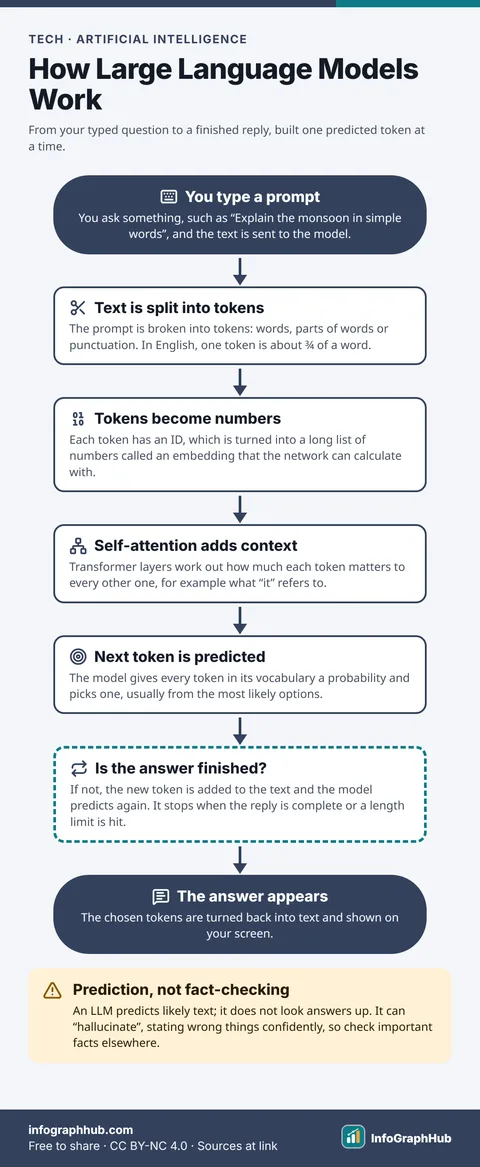
TechHow Large Language Models Work: From Prompt to Answer
A large language model splits your prompt into tokens, turns them into numbers, uses self-attention to work out context, then predicts the most likely next token. It repeats that prediction, one token at a time, until the answer is complete.
 History & Geography
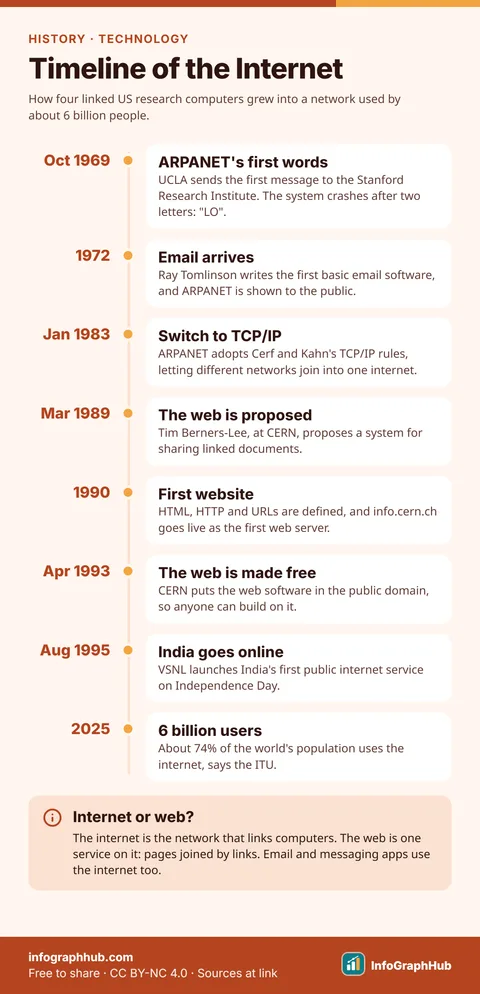
Timeline of the Internet: From ARPANET to Today
The internet grew from ARPANET, a US research network that sent its first message in 1969. TCP/IP in 1983, the World Wide Web from 1989 and public access, reaching India in 1995, led to about 6 billion users by 2025.
 Finance
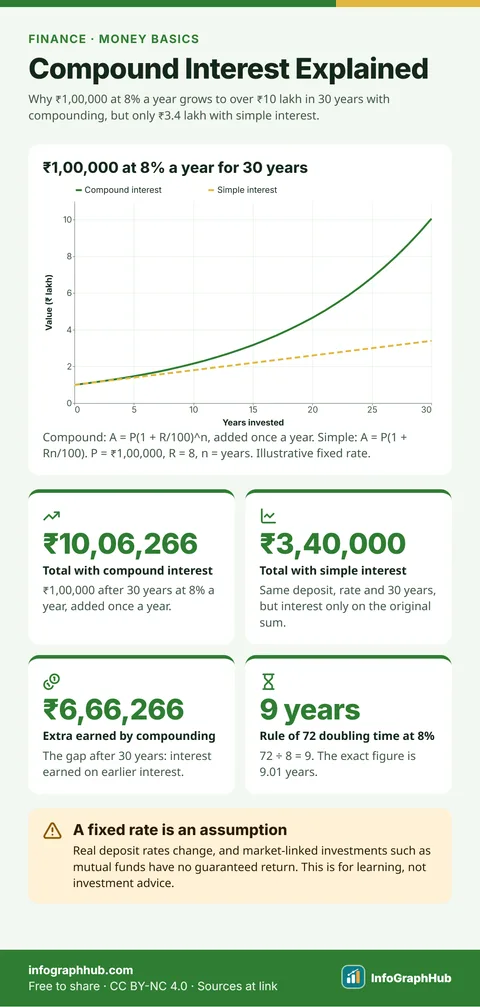
Compound Interest Explained: How Money Grows Over Time
Compound interest is interest earned on your interest. Each year’s interest is added to the balance, so the next year’s interest is worked out on a bigger sum. Over long periods this makes money grow far faster than simple interest.
 Finance
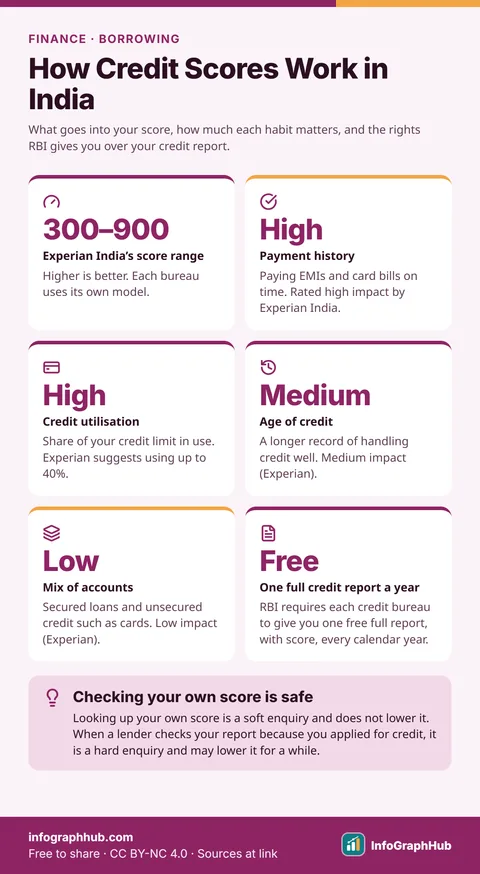
How Credit Scores Work in India: What Moves Your Score
A credit score is a three-digit number, such as Experian India’s 300–900 score, built from your borrowing record. Paying on time and using little of your credit limit matter most; the age and mix of your accounts matter less.
 Science
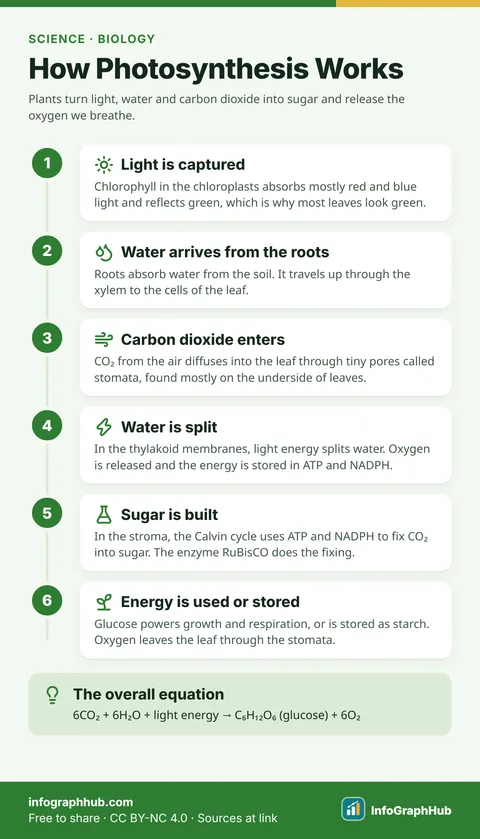
How Photosynthesis Works: From Sunlight to Sugar
Photosynthesis is how plants use light energy to turn carbon dioxide and water into glucose, releasing oxygen as a by-product. It happens in chloroplasts in two linked stages: the light-dependent reactions and the Calvin cycle.
 Science
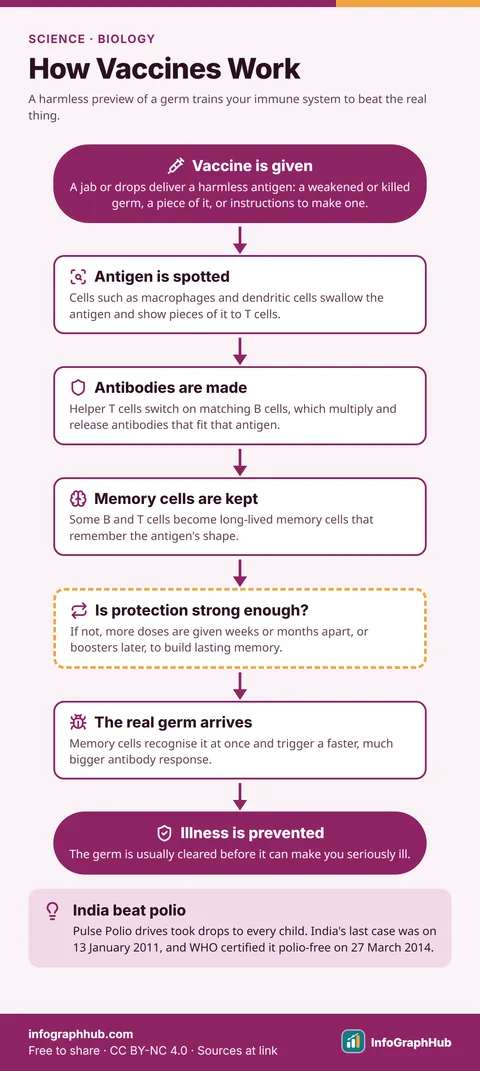
How Vaccines Work: Training Your Immune System
Vaccines work by imitating an infection. They show your immune system a harmless antigen from a germ, so it makes matching antibodies and memory cells that can fight the real germ quickly if it ever arrives.
Get new InfoGraphHub resources by email
One short email when new free resources go live. No spam, unsubscribe anytime.